Livaro on Android plays the playlist you already have: live channels, films and
series with artwork and descriptions. Start an episode on the sofa, finish it on
the train: your progress syncs between every device you activate.
Livaro provides no channels, movies or series, you use your own provider.
Your library
Everything your playlist holds, organised
Paste an M3U link or sign in with Xtream Codes and Livaro builds the rest: genre
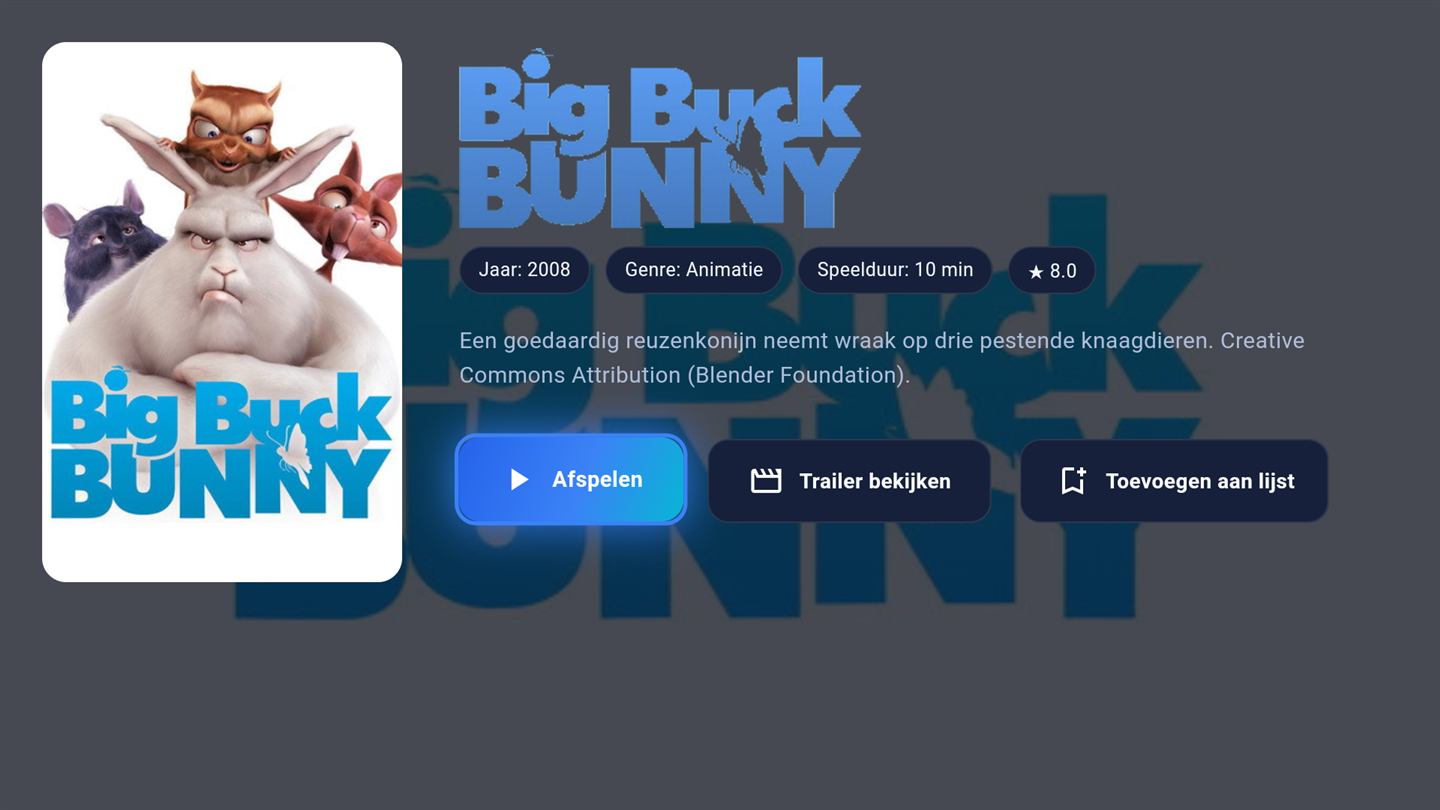
folders, posters, ratings and film pages. The detail page tells you what you are
about to watch and picks up exactly where you left off.
Screenshots show royalty-free demo content (Blender Foundation films, CC-BY).
Sync
Phone and TV stay in step
Favourites, watch progress and your playlist follow your account across devices.
Activate your phone next to your Android TV and both show the same library, the
same continue-watching row, the same place in the episode.
Install Livaro Player from the Play Store and open it.
The first screen shows a MAC address and a Device Key for this phone.
Go to livaroplayer.com/upload, enter both, and add your M3U link or Xtream Codes login.
Refresh in the app. Your library appears, sorted into folders with posters and descriptions.
A phone is the easiest device to start with, because you can paste a long M3U
link instead of typing it with a remote. Many people set the phone up first and
then activate the television, which is a shorter job once the playlist is known.
Livaro Player runs on current Android phones and tablets, and the same build
serves Android TV devices; we test on hardware as old as Android 9. The Play
Store checks compatibility for you and will say so before installing if your
device falls outside it. Decoding uses your phone's hardware, so battery drain
is comparable to any other video app, and playback quality depends mostly on
your connection: reckon on 5 to 8 Mbit/s for HD.
Phones and tablets
Current Android devices, tested down to Android 9. The Play Store confirms compatibility before you install.
Same app, bigger screen
Tablets get the same library in a wider layout, and the build also serves Android TV.
Data use
Roughly 2 to 3 GB per hour in HD. On mobile data, watch the meter or lower the quality at your provider.
Activation
One-time, per device, for life. The phone counts separately from your television.
FAQ
Android questions
Which Android version do I need?
Livaro runs on current Android phones and tablets; install it from the Play Store and the store will tell you if your device is supported.
Is the phone a second activation?
Yes. Activations are per device, for life. Many people activate the TV first and add the phone later.
Can I watch offline?
Livaro plays streams from your provider, so you need a connection. Whether recordings can be kept for later depends on what your provider allows.
Ready to activate the player?
Activate your device in minutes: 12.99 euro for life, or 4.99 per year.