How is IPTV different from cable or satellite?
With cable or satellite, every channel is broadcast at once and your box tunes in to one of them. With IPTV nothing is broadcast at you: your player requests the specific stream you want, and only that stream travels to your device. That is why IPTV needs no dish or coax socket, works anywhere you have enough bandwidth, and why a channel can start playing from a menu instead of a tuner. It also means the quality you get depends on your internet connection and on the server sending the stream, not on the weather or the cable in your street.
What are the three parts of an IPTV setup?
Almost every setup has the same three pieces, and confusing them is the most common source of frustration. First, a provider: the service that operates the servers and holds the rights to what they carry. Second, your playlist: the credentials the provider gives you, either an M3U link or an Xtream Codes login, which is your personal key to their catalogue. Third, a player: the app that reads that playlist and puts it on screen. Livaro is the third piece only. We never see a playlist until you bring one, and we cannot supply one.
The provider
Runs the servers and is responsible for the rights to everything it carries. You choose and pay them separately.
The playlist
An M3U link or an Xtream Codes login. Personal to you, and the only thing that gives a player anything to show.
The player
Software such as Livaro, VLC or Kodi. It reads a playlist and plays it. It holds no catalogue of its own.
What do I need to start watching?
Three things: an internet connection of roughly 15 to 25 Mbit/s for comfortable HD viewing, a subscription with a provider of your choice, and a player installed on the screen you want to watch on. The provider will send you either a long link ending in .m3u or a set of three details: a server address, a username and a password. Whichever you receive, you enter it once and the player does the rest.
How an M3U link works → · How Xtream Codes works →
What does an IPTV player actually do?
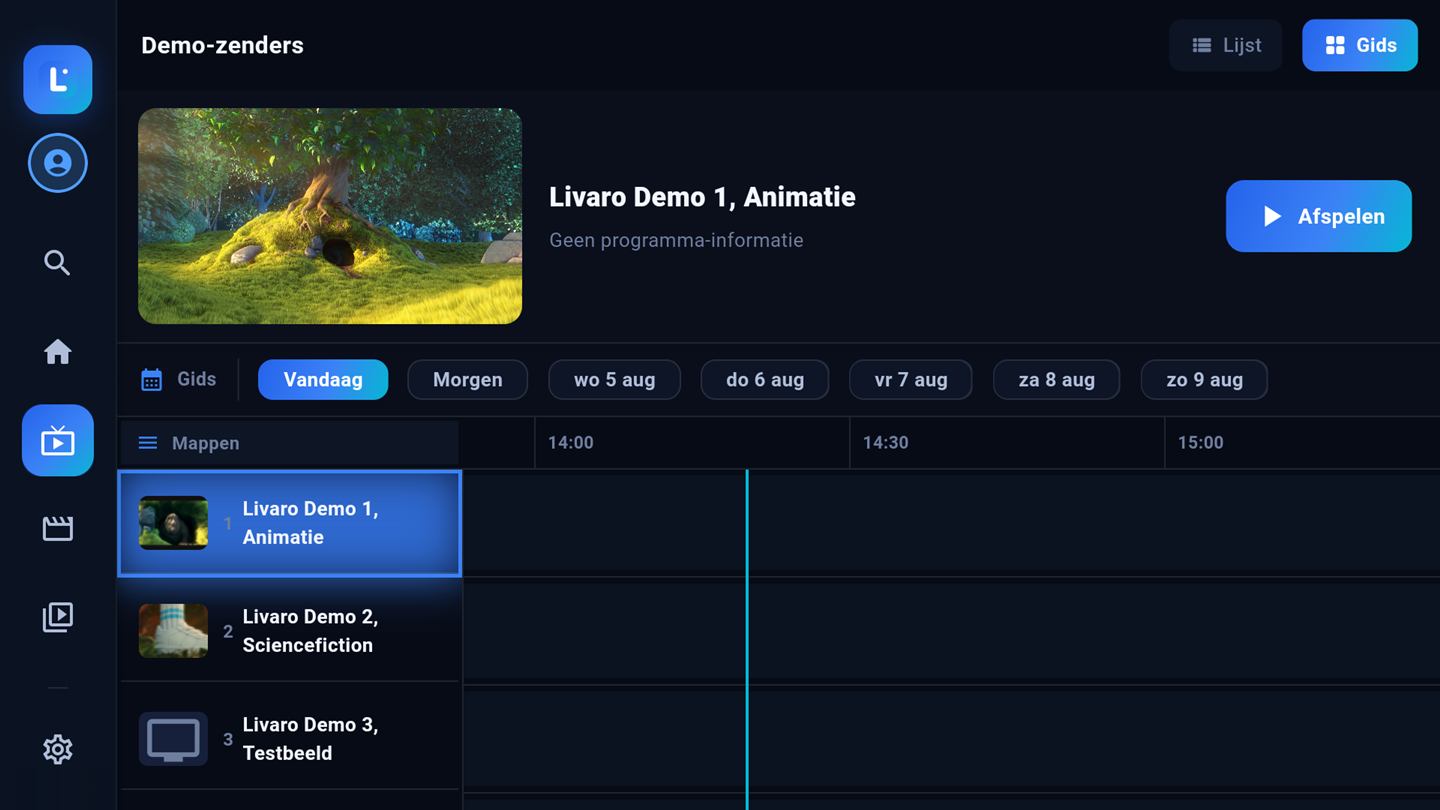
A playlist arrives as a long, unsorted list of stream addresses. On its own that is unreadable. A player decodes the video, and a good one also organises: it separates live channels from films and series, groups them into folders, fetches posters and descriptions, shows a programme guide where the provider supplies one, and remembers where you stopped watching. The difference between players is almost entirely in how much of that work they do for you.
Is IPTV legal?
The technology is legal, and so is player software. What decides the answer is whether the provider you use has the rights to what it carries. That distinction deserves more than a paragraph, so we gave it its own page.